
User Cabinet
The cabinet is your operational hub on CryptoSoul. Everything that matters — your SOUL token balance, game session history, withdrawal management, account settings, and referral performance — is accessible from this single interface. This page explains what each section does, how to navigate between them, and how the dashboard components connect to the rest of the platform.
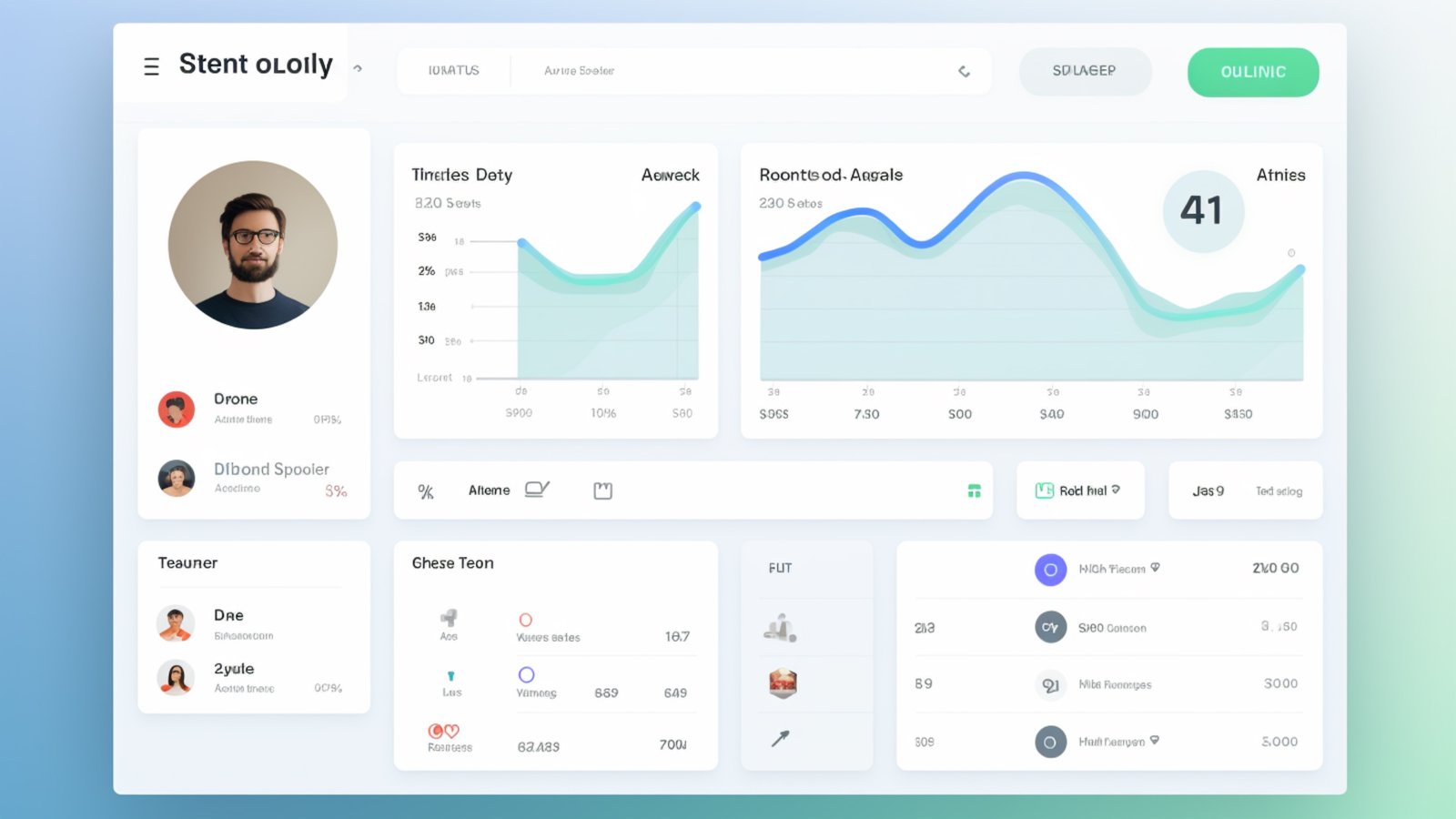
Dashboard Overview
When you log into the cabinet, the first thing you see is the overview panel. It surfaces the numbers that matter most: your current SOUL balance (split into available and pending), your total earned this month, and any active game sessions or pending withdrawals. Think of it as the instrument cluster — a glance tells you where things stand without clicking into any subsection.
The overview also flags action items. If your 2FA isn't enabled, there's a persistent prompt. If a withdrawal is stuck or needs attention, it appears here. If a daily challenge is about to expire, the countdown shows in the activity feed. The intent is that you never need to dig through menus to find out if something requires your attention.
Token Balance and Earnings
The balance section breaks down your SOUL holdings into three categories:
- Available balance: Tokens that have cleared all processing and are ready for withdrawal or use. This is the number that matters when you're planning a withdrawal.
- Pending balance: Earnings from recent gameplay sessions that haven't finalized yet. These typically clear within a few hours after your session ends. The pending state exists because game results go through a validation step before tokens are credited.
- Lifetime earned: Your total accumulated SOUL since account creation. This number only goes up — it's a running total that doesn't decrease with withdrawals.
Below the balance summary, a transaction log shows every credit and debit: gameplay earnings, referral bonuses, withdrawal completions, and fee deductions. Each entry is timestamped and tagged with its source. You can filter by type and date range.
Game History
Every game session is logged with details: game type (Merge Cats, PvP, daily challenge), duration, tier reached, SOUL earned, and whether any bonuses or multipliers were active. This isn't just a record — it's a tool for improving your strategy. Patterns emerge when you look at multiple sessions: which game types yield the best return for your playstyle, what time of day your sessions tend to perform better, and where your merge technique is leaving tokens on the table.
PvP match history includes opponent performance data (anonymized) and margin of victory or defeat. Reviewing close losses is one of the fastest ways to identify strategic adjustments — the Game Guides can help you translate those observations into concrete changes.
Withdrawal Management
The withdrawal panel is where you initiate and track SOUL transfers to your external wallet. Active withdrawals display their current status (Submitted, Processing, Broadcast, Confirmed), and completed withdrawals show the blockchain transaction hash for independent verification.
The full withdrawal process — requirements, step-by-step instructions, fee structure, and troubleshooting — is documented on the How to Withdraw SOUL page. The cabinet's withdrawal panel is the execution layer; that guide is the reference manual.
Your wallet configuration is managed from a dedicated subsection within the cabinet. This is where you set or update your external wallet address, review transaction history in detail, and check your current withdrawal limits based on your verification level.
Account Settings
Settings cover the administrative side: display name, email preferences, password management, and two-factor authentication configuration. The 2FA section is particularly important — this is where you manage your authenticator app connection, regenerate backup codes, and review recent login activity.
Verification level management also lives here. You can check your current level, see what the next level requires, and initiate the verification process directly. Higher verification levels unlock higher withdrawal limits and additional platform features.
Referral Tracking
If you've shared your referral link, the referral panel shows your performance: how many users registered through your link, how many are actively playing, and the total bonus SOUL you've earned from the referral program. Each referred user is listed (by display name, not email) with their signup date and activity status.
Your unique referral link and code are displayed here as well, ready to copy and share. The referral bonus structure and tips for effective sharing are covered on the platform's referral information pages.
Security reminder: Your cabinet is the control center for real assets. Keep your 2FA enabled, review your login activity periodically, and never share your session or access credentials. The Wallet Safety guide covers the broader security practices that protect your account and your tokens.